
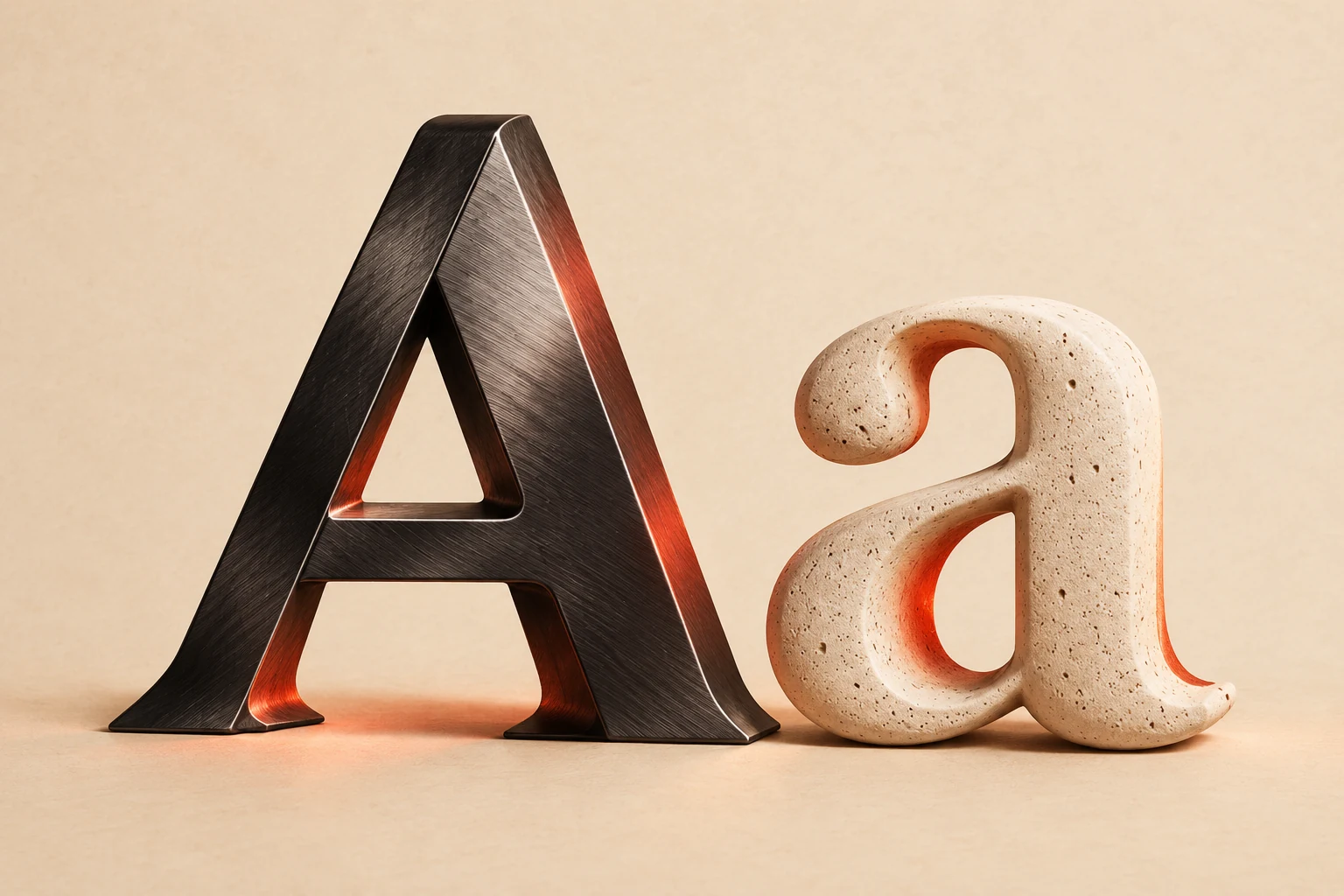
 Material study · Design inspiration
Add a material note
·
Choose Chrome, Neon, or Retro to add a visual description to the brief. These controls record an idea; they do not apply the illustrated material to the PNG preview.
Give your words a world.
Create PNG artwork or experimental TTF fonts. Try free previews and licensed samples.
Build an AI font design brief from paper relief, dry-brush ink, or sculptural lettering. Compare the edges, surfaces, and shadows in these original reference artworks. Select a study to add its material notes to your brief.
THREE MATERIALS. THREE LETTERING STYLES.
Use this AI font generator to turn words and a style idea into lettering artwork. Keep the text you want to read separate from the style you want to describe.
Explore three illustrative steps. Use the progress buttons, the up and down arrow keys, or swipe left and right. This demonstration does not generate an image.
Enter a name, headline, or invitation title in the font generator. Put the exact wording in the text box and visual ideas in the description field.
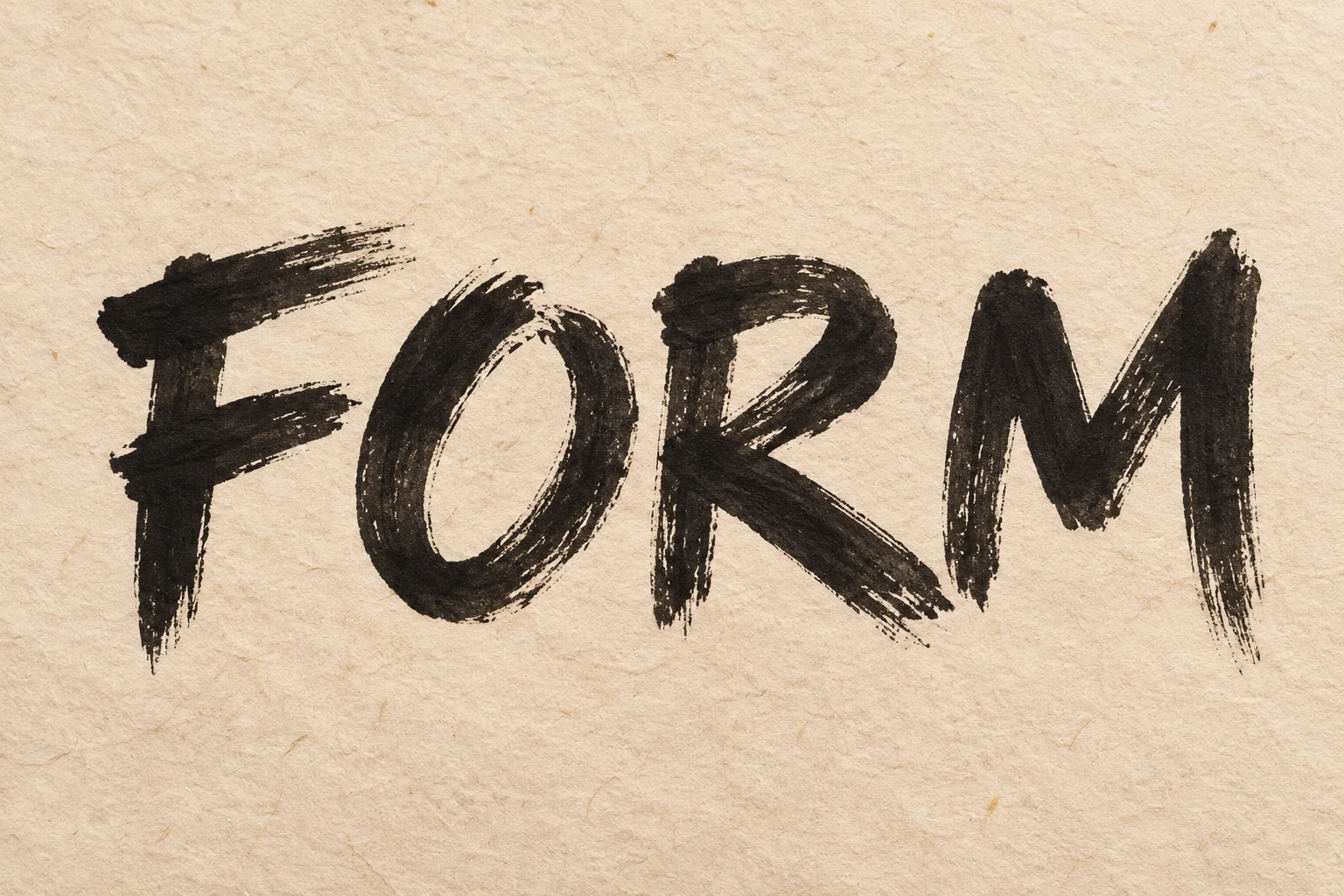
Explore AI font styles through bold letter shapes, flowing script, neon light, and metallic references. Start an AI font generator brief by selecting a card to add its visual notes. These artworks provide inspiration; AI results vary, and free PNG previews use an existing typeface.
Compare AI font design ideas for posters, labels, and covers. Study title placement, background contrast, and breathing room, then choose a reference for your brief. These artworks show visual directions; AI results vary, and free previews use existing typefaces.
Use an online font generator to test titles for posters, shop signs, invitations, and video covers. Choose a project below to see a lettering reference and start a brief.
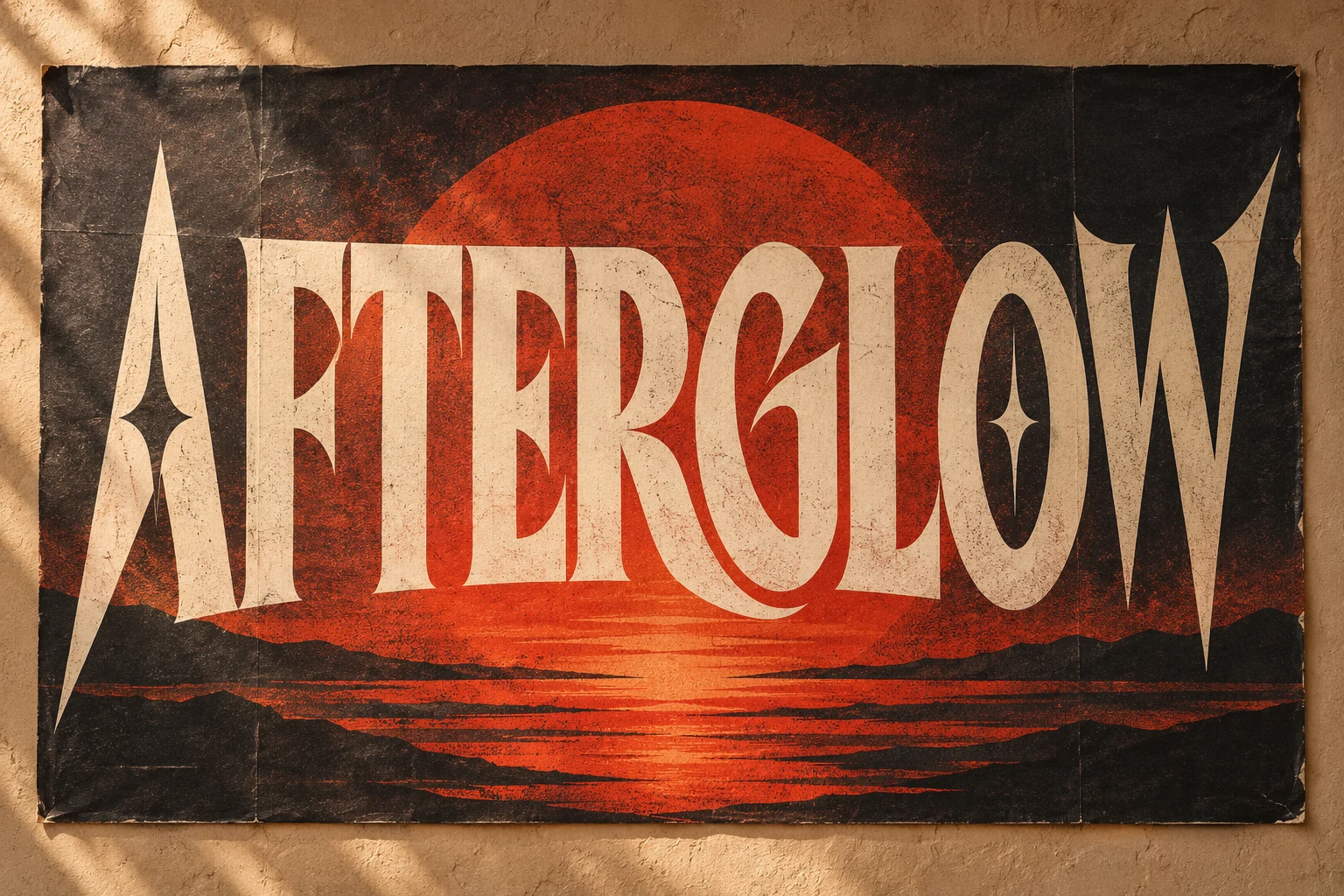
Explore bold lettering styles for a concert or event poster. Keep the title short, give it room, and use strong contrast so the event name leads the composition.
Opens a project brief in the online font generator. The font preview uses a licensed typeface; this artwork is design inspiration.Try copy and paste fonts in six Unicode styles: Bold, Italic, Script, Double-struck, Monospace, and Wide. Enter a short phrase, compare the results, and copy a style. Unsupported characters stay unchanged. Test the text in its destination app; keep essential information in standard text.
Open the Fancy Text Generator𝐌𝐚𝐤𝐞 𝐢𝐭 𝐲𝐨𝐮𝐫𝐬
Free to copy. No account or credits needed. Check the result in your chosen app.
Copy and paste fonts here are Unicode characters, not an installable typeface. Unsupported letters stay unchanged. Appearance and screen reader support vary across apps; use regular text for important information and longer messages.
Set a 1:1, 9:16, or 16:9 canvas in the font generator to check margins and line breaks. A transparent PNG can sit over a photo or colored layout. Save the preview separately when you need a copy outside this browser.
Material study · Design inspirationChoose Chrome, Neon, or Retro to add a visual description to the brief. These controls record an idea; they do not apply the illustrated material to the PNG preview.
Compare a square, portrait, or wide frame, then apply the ratio to your lettering preview.
Choose what you need from the font generator: a layout image, copyable text, or an installable font file. Each format has a different use.
Swipe the table to see all four columns.
| Type | What you get | Useful for | What to know |
|---|---|---|---|
| Lettering PNG | A 2K AI lettering image, or a free typography preview | Checking headline placement and canvas proportions | AI lettering has a solid background. Free previews use existing typefaces, support transparency, and include a demo label. |
| Experimental AI font | New letterforms in an installable TTF file | Short headlines, wordmarks, and creative display text | English alphabet or up to 64 custom Latin/Chinese characters. Monochrome outlines, editable spacing and kerning pairs. Inspect every glyph; a custom subset does not cover all Chinese text. |
| Unicode text | Six Unicode font styles as copyable characters | Short bios, captions, and messages | Six styles of copyable characters. Display and screen-reader support vary by app. |
| Licensed TTF sample | Existing DM Serif Display font in TTF format | Trying an existing typeface in compatible design software | An existing typeface, supplied with its Open Font License. Your words and style notes do not create or modify the font file. |
About copyable text: Unicode explains why characters need suitable fonts to display correctly.
Compare font generators, explore AI fonts as design ideas, and choose between a PNG preview, copyable characters, and a font file download.

Create a custom lettering PNG or an experimental TTF font using the English alphabet or a chosen Chinese character subset. You can also preview a short text layout for free, copy six Unicode text styles, or download a licensed TTF sample. Inspiration images are references, not guaranteed results.
Choose the PNG mode for a finished lettering image, or the AI font mode for an installable TTF with newly generated monochrome letterforms. The separate free sample is the existing DM Serif Display font.
Yes. Choose the English alphabet, digits and listed punctuation, or up to 64 custom Latin and Chinese characters. This creates only your chosen subset, not a complete Chinese font library. Inspect every character before use. You can save letter spacing and individual kerning pairs in the TTF. Variable fonts and complex-script shaping are not included. Compare it with the free licensed sample in the output guide.
The typography preview, Unicode text converter, licensed TTF sample, image-to-font, handwriting-to-font and font finder tools are free without an account. AI lettering costs 3 credits per PNG; experimental TTF fonts cost 15 credits each. New accounts receive 15 one-time trial credits after email verification. Failed tasks release reserved credits.
Styled Unicode characters depend on the fonts supported by the destination app. Some characters may look different or appear as boxes. Unsupported input characters stay unchanged; test the result before using it.
The free typography preview supports transparent PNGs and includes a preview label. AI lettering currently uses a solid background; turn off the transparency option before generating.
The free DM Serif Display sample is provided under the Open Font License. AI font downloads are newly generated prototypes and are not covered by that sample license. Check your reference rights and the generation service terms for your intended use.
This online font generator can restore drafts and settings in the same browser when browser storage is available. Export the PNG or copy your brief for a separate copy. Clearing browser data can remove saved work.