
Skip to content

AI Font Generator

Create an event title PNG.

Enter the title for your poster or announcement. Check the spelling and layout in a free typography preview before downloading.

Connecting your workspace. Editing will be available once your draft is ready.

Your title is kept in this browser’s saved draft.

Preview up to 64 characters with an existing typeface. Style references add notes to your brief; the preview does not recreate their effects.

Event presets
Choose a styleGilded Resonance
Style references
Style directionGilded Resonance

Style: Gilded ResonanceCanvas: 16:9

Describe your idea (optional)

Free preview size: 1280 × 720 px

Connecting…Checking available outputs.

Options & recent tasks

OutputConnecting…

Check the availability shown above before starting a task.

Recent tasks

Up to 30 tasks in this browser. Viewing a result keeps your draft; “Use settings” replaces it.

Your generated results will appear here.

    STYLE LIBRARY

    Find your style.44

    Explore original AI-made inspiration. The typography demo produces a separate typography preview.

    Filter by category
    Style results: 44
    LETTERING WORKFLOW

    How to use this AI font generator

    Use this AI font generator to turn words and a style idea into lettering artwork. Keep the text you want to read separate from the style you want to describe.

    Explore three illustrative steps. Use the progress buttons, the up and down arrow keys, or swipe left and right. This demonstration does not generate an image.

    01

    Start with a short phrase

    A headlineA nameA short phrase

    Enter a name, headline, or invitation title in the font generator. Put the exact wording in the text box and visual ideas in the description field.

    Workflow steps
    01A few words. A new beginning.Font Generator
    Your words 4 / 64
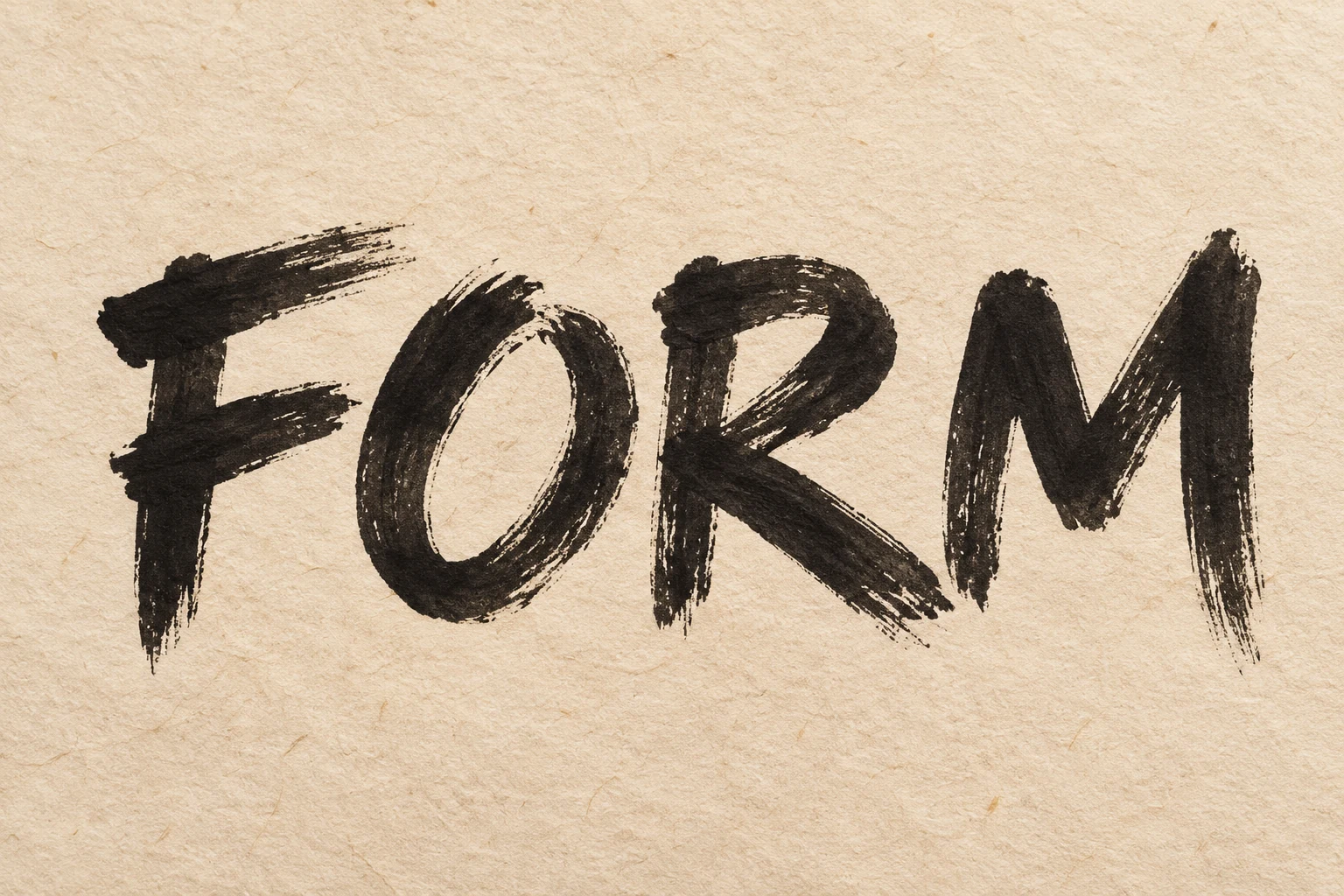
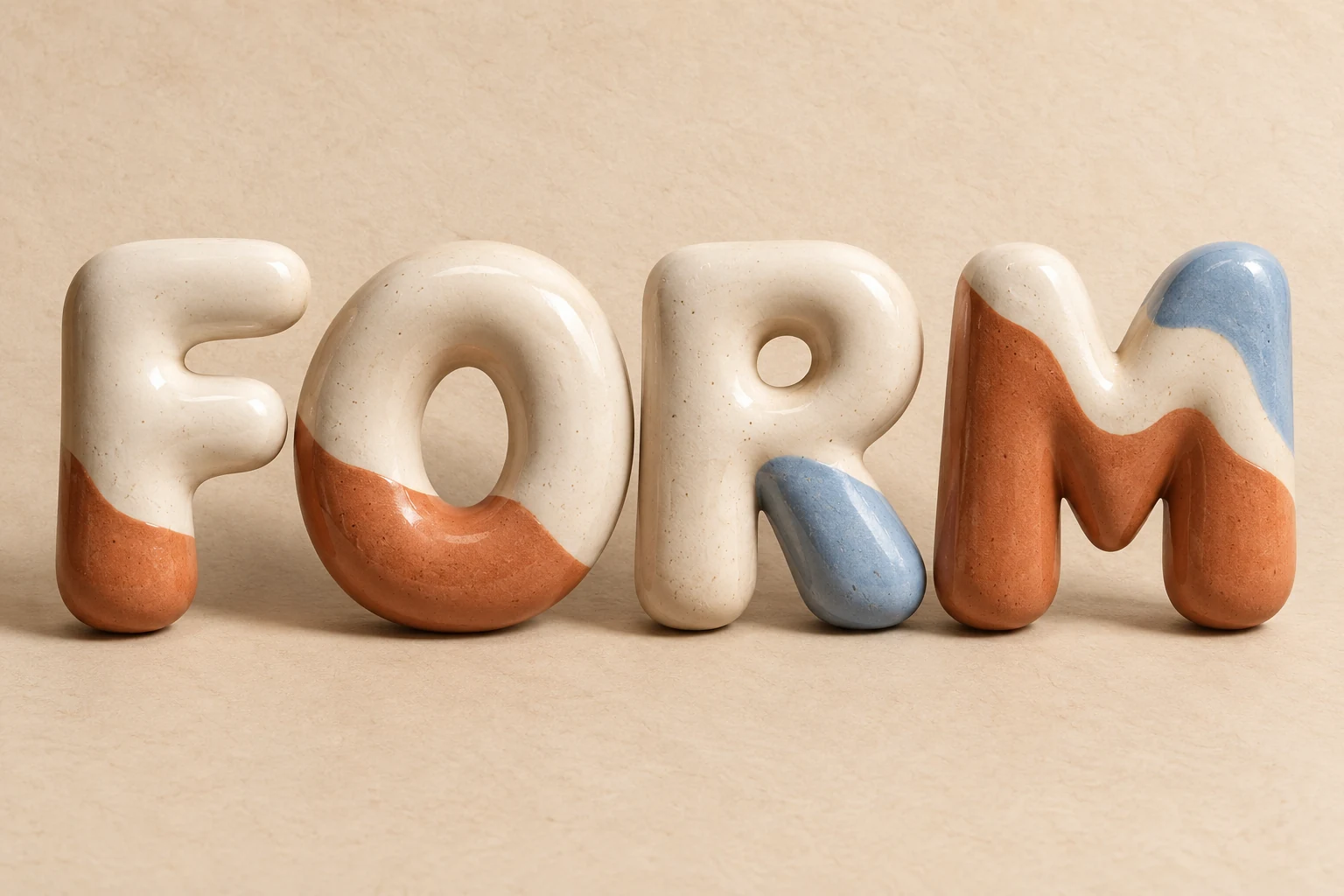
    FORM
    A name. A headline. Something worth saying.
    FORM in carbon brush lettering on warm paper
    Carbon inkHand-brushedIvory paper
    Step 1 of 3: Start with a short phrase
    CURATED LETTERING LOOKS

    Explore AI font styles

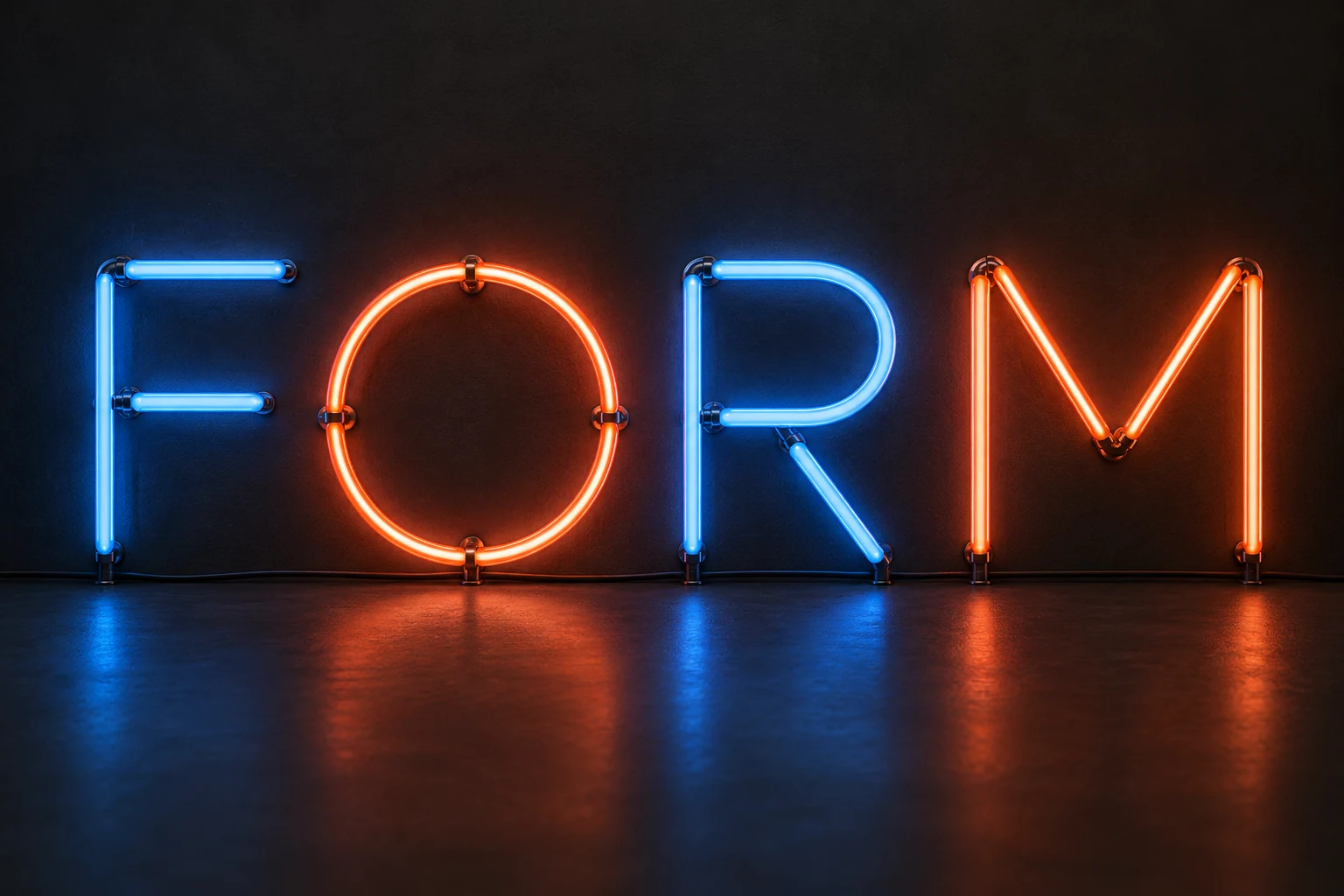
    Explore AI font styles through bold letter shapes, flowing script, neon light, and metallic references. Start an AI font generator brief by selecting a card to add its visual notes. These artworks provide inspiration; AI results vary, and free PNG previews use an existing typeface.

    Filter lettering styles
    8 matching styles
    LETTERING IN EVERYDAY LIFE

    An online font generator for your next project.

    Use an online font generator to test titles for posters, shop signs, invitations, and video covers. Choose a project below to see a lettering reference and start a brief.

    Posters lettering inspiration
    Design inspiration
    01 of 08

    Poster lettering that sets the mood.

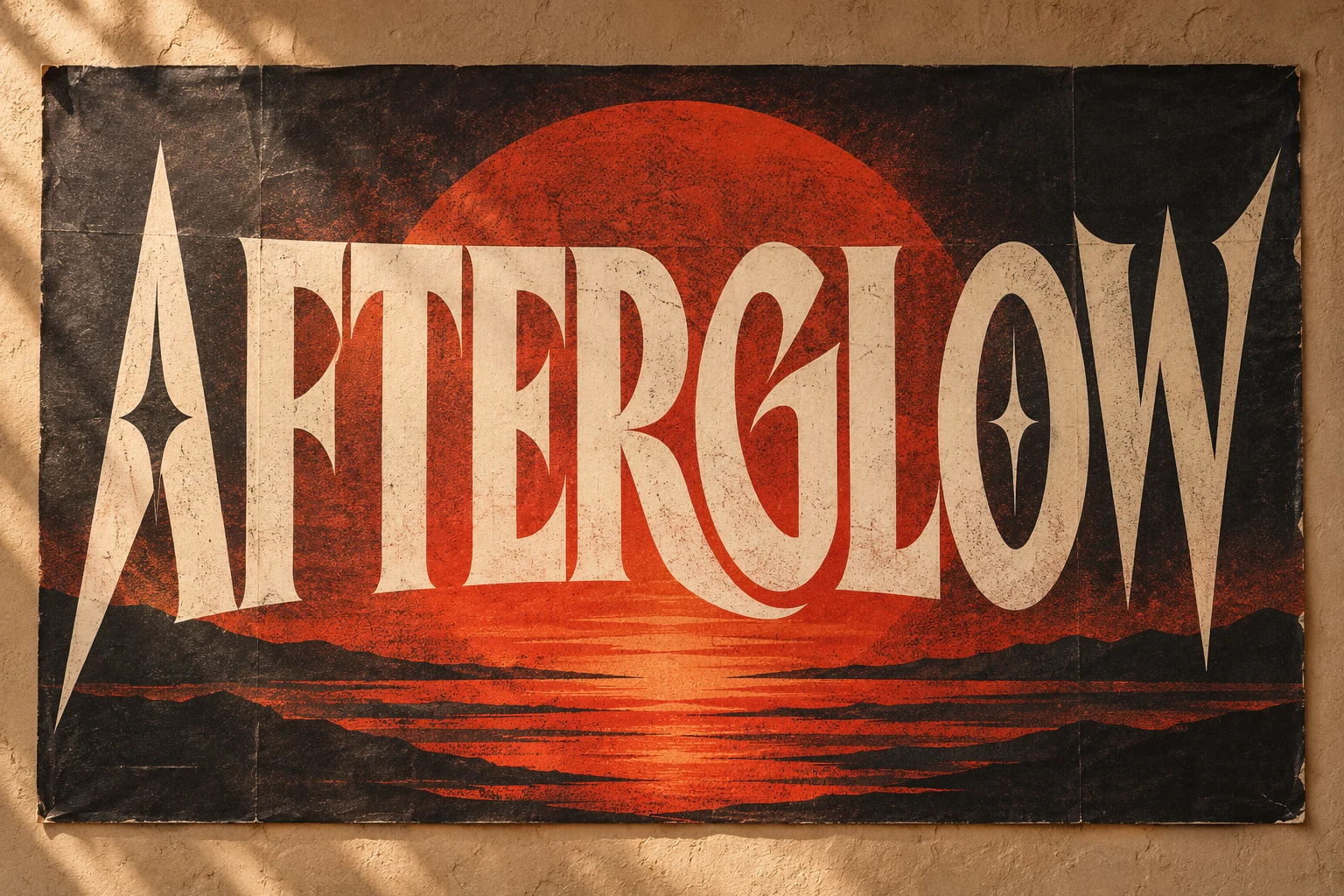
    Explore bold lettering styles for a concert or event poster. Keep the title short, give it room, and use strong contrast so the event name leads the composition.

    Opens a project brief in the online font generator. The font preview uses a licensed typeface; this artwork is design inspiration.
    FREE FONT GENERATOR FOR TEXT

    Copy and paste fonts
    for a little character.

    Try copy and paste fonts in six Unicode styles: Bold, Italic, Script, Double-struck, Monospace, and Wide. Enter a short phrase, compare the results, and copy a style. Unsupported characters stay unchanged. Test the text in its destination app; keep essential information in standard text.

    Open the Fancy Text Generator
    13/120
    Bold Live

    𝐌𝐚𝐤𝐞 𝐢𝐭 𝐲𝐨𝐮𝐫𝐬

    Colorful typographic objects arranged on a blue studio surface
    A study in letterforms · Design inspiration

    Six Unicode font styles.

    Preview a style, then copy and paste text.

    Free to copy. No account or credits needed. Check the result in your chosen app.

    Copy and paste fonts here are Unicode characters, not an installable typeface. Unsupported letters stay unchanged. Appearance and screen reader support vary across apps; use regular text for important information and longer messages.

    AI FONT DESIGN STUDIO

    Choose a canvas for your lettering

    Plan one event title at a time. Set a 1:1, 9:16, or 16:9 format in the font generator to check margins and line breaks, then review the result at its final size. AI lettering uses a solid background and the standard ratios shown in the editor; the free typography preview also offers transparency and custom sizes where shown. Export the PNG or copy the brief to keep a separate copy.

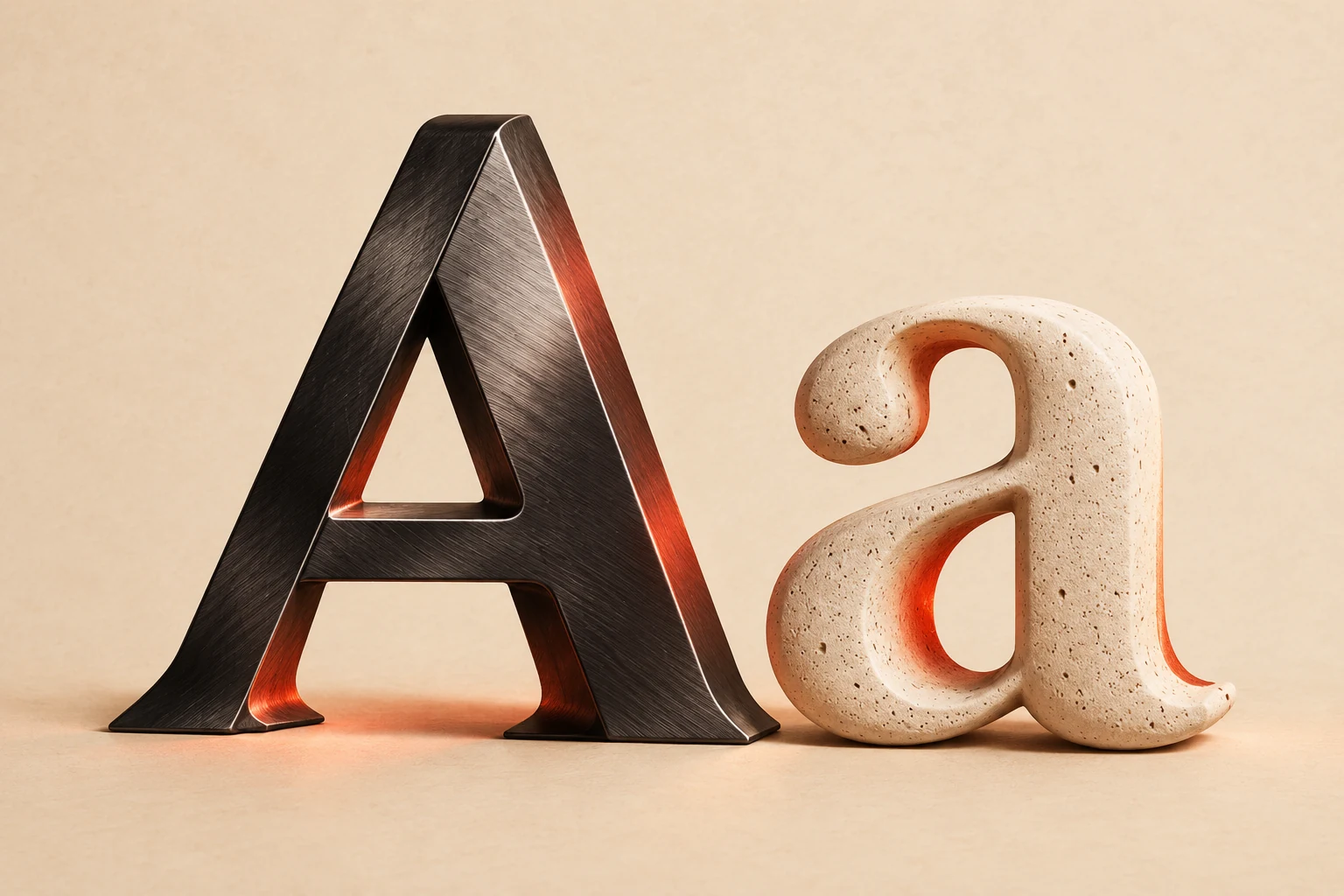
    A brushed metal A beside a rounded stone a on a warm background Material study · Design inspiration

    Add a material note

    ·

    Choose Chrome, Neon, or Retro to add a visual description to the brief. These controls record an idea; they do not apply the illustrated material to the PNG preview or guarantee a matching result.

    TYPE
    your way.
    WORDS / SHAPE / SPACE

    Compose for your format

    One idea. Three formats.

    Compare a square, portrait, or wide frame, then apply the ratio to your lettering preview. Use a format that matches the channel; the editor lists which standard ratios the active workflow supports.

    CHOOSE YOUR OUTPUT

    Font generator outputs:
    PNG, text or TTF?

    Choose what the font generator should produce: an event title PNG, an experimental TTF font, copyable Unicode text, or a licensed font sample. Each output has different limits, so check the format before you start.

    Swipe the table to see all four columns.

    Font generator guide: event PNG, experimental TTF, local manual TTF, Unicode text, and licensed sample
    TypeWhat you getUseful forWhat to know
    Event lettering PNGAn AI lettering PNG or a free typography previewEvent titles, posters, and social headersAI lettering uses a solid background and the standard formats in the editor. Enter the exact title, then proofread spelling, brand names, numbers, punctuation, and cropping in the result. Costs 3 credits per PNG. Free previews use existing typefaces, support transparency, and include a demo label.
    Experimental AI fontA TTF compiled from a generated monochrome glyph sheetShort display words and prototype letteringThe default set has 75 characters, including uppercase and lowercase English letters, digits, punctuation and a space. You can also choose up to 64 custom ASCII characters. Inspect every glyph before use. Costs 15 credits per font.
    Local manual TTFA TTF built in your browser from your own drawn or cropped shapesA small custom display set, including selected Chinese charactersHandwriting to Font and Image to Font are free and local. You assign each shape to a Latin or Chinese character by hand, up to 64 unique characters. The tools do not infer or invent characters you did not supply. Inspect every mapping and outline.
    Unicode textSix styles of copyable Unicode charactersShort bios, captions, and messagesThis is text, not a font file. Display and screen-reader support vary by app and installed fonts; unsupported characters stay unchanged. Keep essential information in standard text and test the result before use.
    Licensed TTF sampleThe existing DM Serif Display font as a TTF downloadTrying an existing typeface in compatible design softwareA licensed sample, not an AI output. Your words and style notes do not create or modify the file. The included Open Font License applies to this sample and does not cover AI-generated TTF downloads.
    • Start with one real event title. Keep the exact wording, then generate and review it before making a second title. Changing the words and regenerating can produce different letterforms; treat visual consistency across titles as something to check, not a promise.
    • Images or editable text? A PNG contains pixels. Choose Unicode text when you need characters for a caption or message. Try Unicode text.
    • Check the sample license. The free sample download includes the Open Font License for DM Serif Display. Review it for the use you have in mind. AI font downloads are separate prototypes.
    • Comparing a typeface from a screenshot? The Font Finder compares one cropped text line with a small licensed library of four font families and ranks visual matches. It is a shortlist for comparison, not general typeface recognition.

    About copyable text: Unicode explains why characters need suitable fonts to display correctly.

    BEFORE YOU BEGIN

    AI font generator questions.

    Compare font generators, explore AI fonts as design ideas, and choose between an event PNG, copyable characters, and a font file download.

    A playful studio still life with a large question mark

    Create a PNG title for a poster or announcement. The free preview uses existing typefaces. The editor also shows whether AI lettering is available and what it costs.

    More font generator tools